

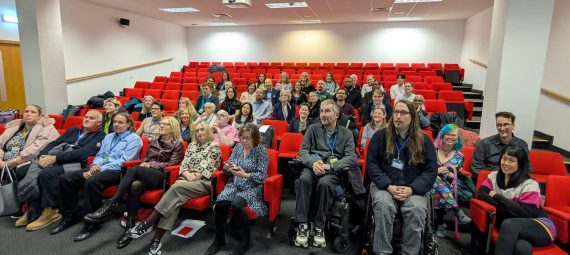
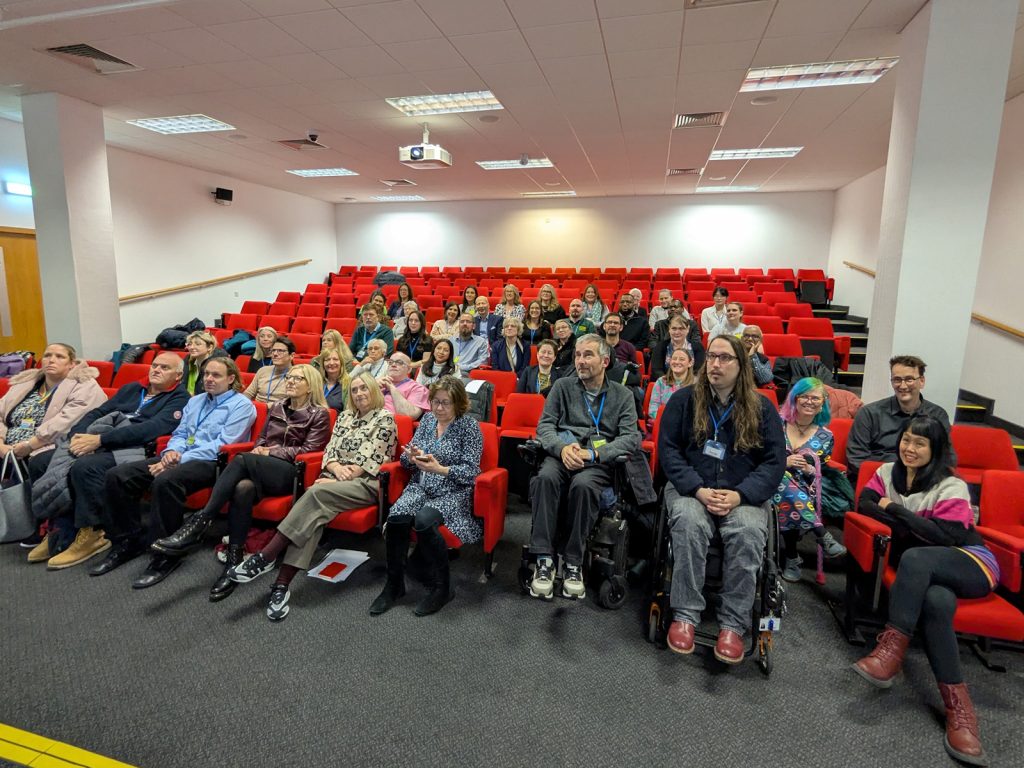
On 18 November 2025, over 100 colleagues gathered for the University of Southampton’s Disability Now! symposium. The event brought together academic staff, professional services colleagues, students, and community partners to explore how disabled people shape our University and how we can remove barriers in education, research, and daily life.
Dr Ben Whitburn (Education), Vanessa Mar Molinero (CHEP), Ronda Gowland-Pryde (RIS), and Wendy Appleby (Vice-President Operations) organised the symposium, with AV support from James Ford, Manoj Patel, and Andrew Tyldesley. The Digital Learning Team chaired sessions and ran an accessibility drop-in throughout the day.
The hybrid format enabled both in person and remote attendees to view a choice from 33 presentations. Attendees ranged from entry-level staff through to senior leadership, spanning academic and professional services. The event also welcomed visitors from other universities, the private sector, and the public.
Beyond the presentations, the symposium featured posters and exhibits exploring themes such as invisible disabilities in education, multisensory approaches to hearing difference, and peer support networks. These displays highlighted how disability research and lived experience intersect across disciplines.
Three iSolutions colleagues presented their work on digital accessibility, disability representation within research, and institutional practice.
Rethinking Disability, Relationships, and Loneliness: What shapes connection when access isn’t equal? (Piers Wilkinson)
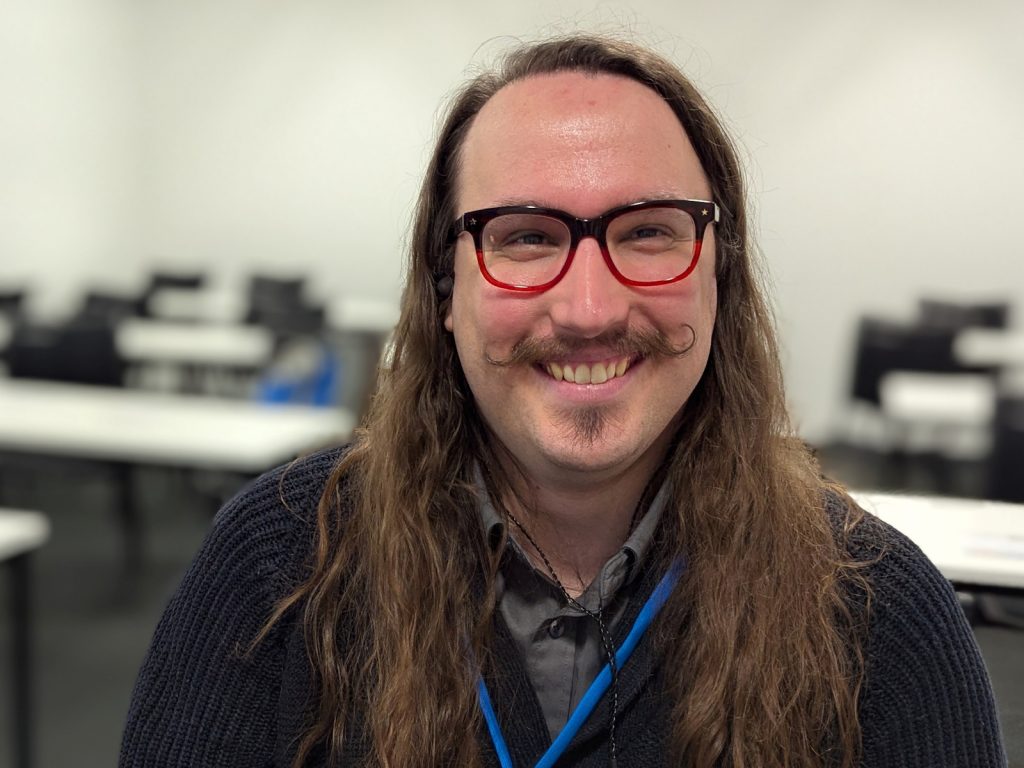
What Piers presented:
Piers Wilkinson, a Learning Technologist in the Digital Learning Team, presented research they co-authored on Disability, Relationships, and Loneliness. The session focused on three key insights drawn from the UK Government-commissioned thematic review of 158 qualitative studies: disabled people’s representation within research, what factors shape relational autonomy, and the interaction of service and support networks.
Why Piers chose this topic:
Research does not exist separately from the systems that shape people’s ability to participate in education, employment, and community life. Connection is not a peripheral component of learning – it directly influences how safe people feel, how confidently they engage, and whether they can sustain participation over time.
The research findings presented stressed that autonomy is not purely an individual attribute; it grows or contracts depending on whether someone has access to stable digital connectivity, reliable transport, responsive services, and flexible institutional processes. When these conditions are absent or inconsistent, the result is not simply inconvenience. It can restrict people’s ability to initiate or maintain relationships, to take part in academic or social communities, or to make everyday choices others take for granted.
Importantly, many of the barriers that limit social connection operate quietly. A digital platform that works poorly with assistive technology, a timetable that assumes easy travel, or a service that requires burdensome administrative steps may seem minor in isolation. But together, these frictions accumulate, eroding people’s sense of belonging and undermining their likelihood of staying engaged. This is particularly true for disabled people navigating systems that were never designed with their realities in mind. Even well‑intentioned support structures can unintentionally narrow people’s opportunities for connection – especially where processes prioritise organisational efficiency over personal agency, or where support becomes something done to people rather than with them.
The key takeaway from Piers’ presentation:
The choices we make in what we design, procure, and deliver help determine who can participate in research and who continue to be excluded – both as contributors and as creators of knowledge. Inclusive research and inclusive practice must start with lived experience. Co‑created and co‑produced work is not an optional extra; it leads to more accurate insights, more effective design decisions, and more equitable outcomes for all. Ultimately, the message was that connection is shaped long before people enter a classroom or research space. It begins with the systems we build, the assumptions we challenge, and the voices we choose to centre.
Democratising Digital Accessibility: AI-Enabled Tool Development for Barrier-Free Content Creation (Matthew Deeprose)
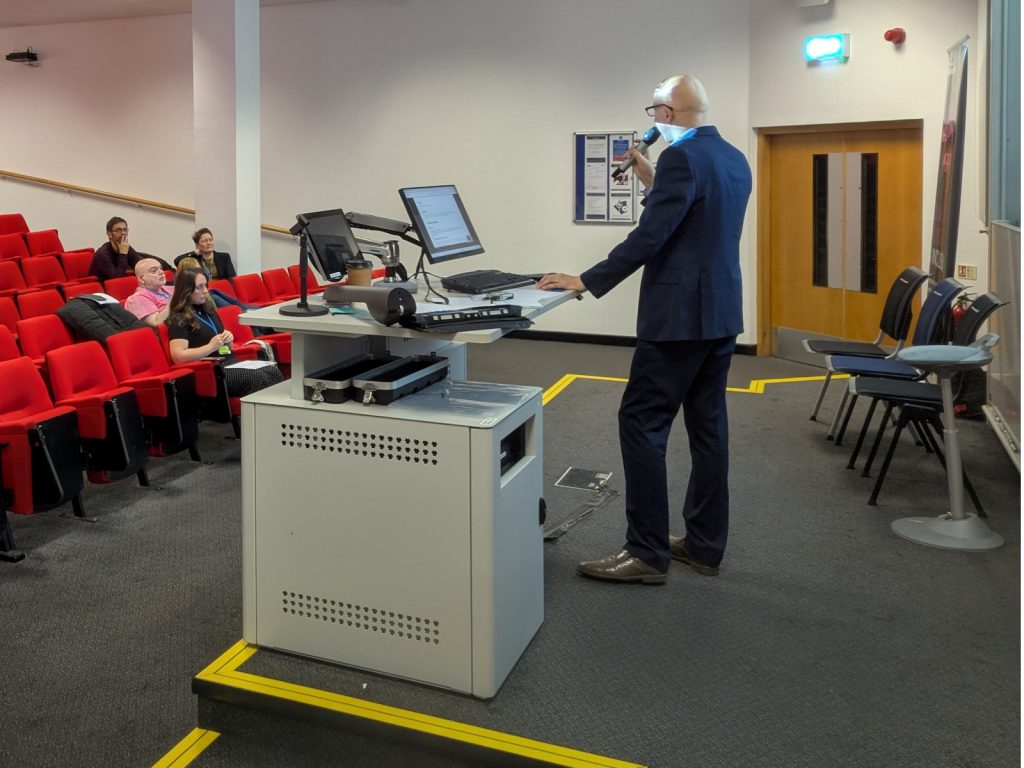
What Matt presented
Matthew Deeprose, Accessible Solutions Architect in iSolutions, shared how we can use artificial intelligence to create accessibility tools that go beyond the standard tooling in Microsoft Office.
Commercial accessibility tools often fall short. Some tools we need do not exist. Others provide generic outputs that miss the context educators require. Many cannot adapt to match our workflows or address the specialist needs of particular disciplines. Consider image description generators. Most produce surface-level descriptions that ignore why an instructor chose a specific image to support a learning objective. They typically output alt text rather than extended descriptions and often default to US English. Busy academics deserve better: a streamlined workflow where they can upload an image, add context, and receive a description tailored to their teaching purpose.
Why Matt chose this topic
Matt chose to present on this topic because skilled accessibility practitioners understand what good looks like. We know the gaps in current tooling. Working with large language models, we can create bespoke tools that address these gaps directly.
At the symposium, Matt demonstrated several tools developed using AI-assisted coding:
- a tool helping Medicine academics produce diagrams that will not present barriers to colourblind students
- an algorithmic graph description generator built on chart.js
- an image description tool that incorporates subject context and learning objectives
- a LaTeX to accessible HTML converter
- a wrapper for the MathPix API, designed to help accessibility specialists transform handwritten STEM content into accessible formats
This approach works best for browser-based tools with appropriately scoped functionality: no authentication, no databases, using semantic HTML with vanilla JavaScript, and external APIs or libraries only where appropriate.
The key takeaway from Matt’s presentation
Matt’s message was that we do not have to accept inadequate commercial products. When we understand accessibility requirements and can articulate what good looks like, AI-enabled development offers a path to creating tools that match our workflows and meet our users’ needs. You can explore the tools and learn more about this approach in his follow-up materials: Democratising Digital Accessibility: AI-Enabled Tool Development for Barrier-Free Content Creation.
Leading accessibility as institutional practice: Reflections from the Accessibility Allies Internship 2025 (Dr Zubair Shafiq)
What Zubair presented
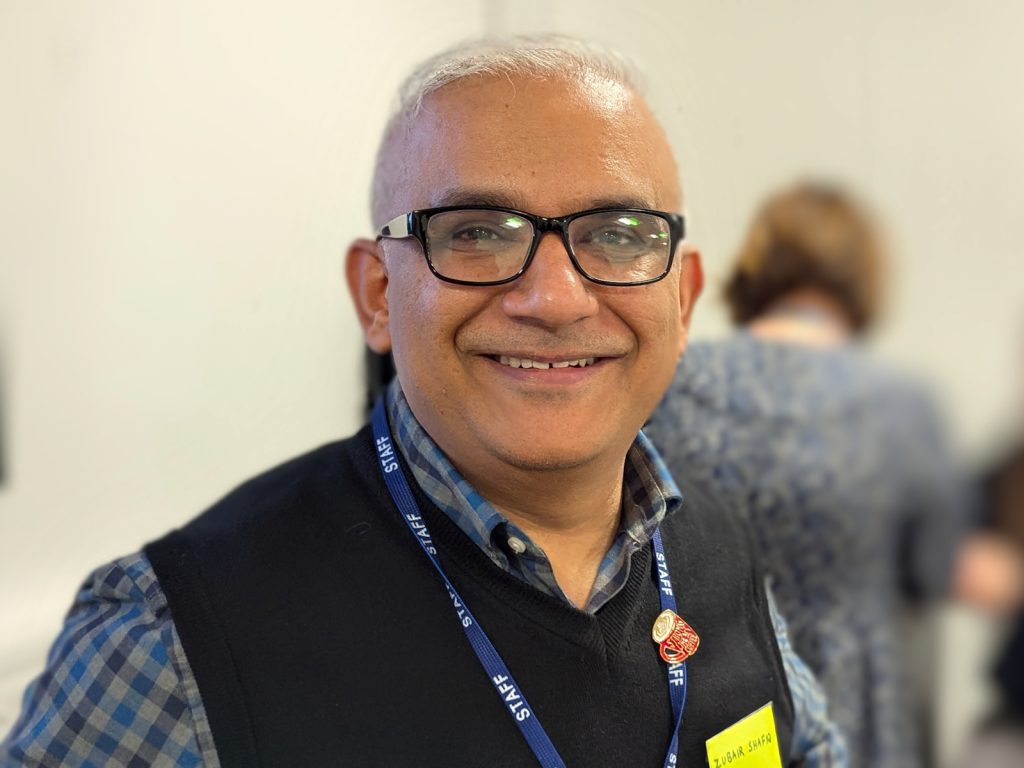
Dr Zubair Shafiq, learning designer in iSolutions’ Digital Learning Team, presented a case study of leading accessibility as institutional practice. The work was based on the Accessibility Ally internship 2025. In his presentation, he addressed various challenges faced during the internship. For example, defining end goals for accessibility remediation, selecting modules fairly from thousands available, coordinating with academics who were managing competing priorities, and making effective progress whilst other institutional changes happened simultaneously.
To tackle these constraints, Zubair’s team used Student Support Recommendations (SSRs) and Additional Exam Recommendations (AERs) data to identify where remediation would benefit most students. They standardised their approach using the SCULPT framework, and built confidence amongst academics by ensuring their original data would be backed up. During the three-month internship process, three interns remediated 391 files across fourteen modules. The average accessibility scores improved by 36% across all selected modules, supporting students with declared support needs and improving access for the wider cohort.
Why Zubair chose this topic
Zubair presented this work because it directly reflects the practical challenges of implementing accessibility amid competing institutional priorities and resource constraints. The process has evolved over several years through the efforts of colleagues in iSolutions who have refined it considerably. This presentation showed the current result of that ongoing effort. If you’re interested in seeing how it started, the Digital Learning Team’s blog post provides useful context.
The key takeaway from Zubair’s presentation
Accessibility is not a separate initiative that works in isolation. It is something that should be built into everyday decisions. The Accessibility Ally internship experience show us that clear module selection criteria based on actual student needs, use of frameworks such as SCULPT, and simple tracking processes make accessibility work more effective even when time, staffing, and engagement are limited. It also shows that building trust with academics by protecting their module data and showing measurable impact through regular monitoring transforms accessibility into regular practice rather than a compliance exercise, something colleagues will actively support.
Digital Accessibility Drop-In
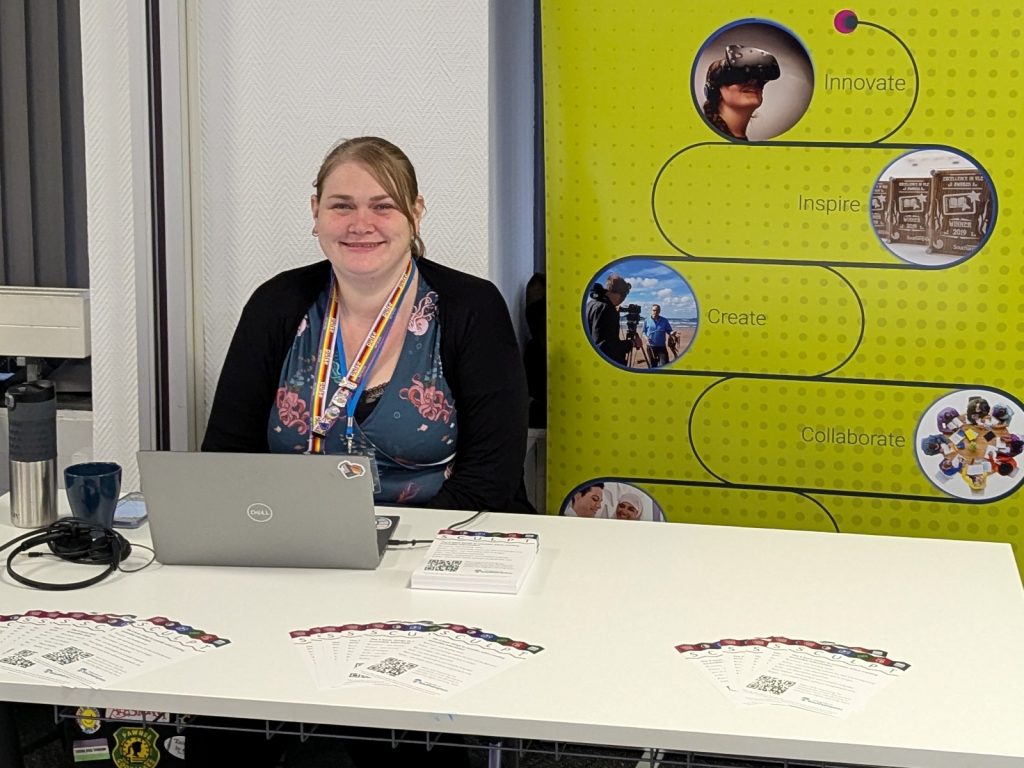
Alongside the presentations, Stephanie Wright, Piers Wilkinson, and Dan Paradine from the Digital Learning Team ran a drop-in session for attendees wanting to improve the accessibility of their teaching materials. The team shared practical tips on small changes that make a significant difference for students.
What Can You Do?
Disability Now! demonstrated the breadth of accessibility and inclusion work happening across the University. Yet many teams undertake valuable work without colleagues knowing about it.
We invite you to ask: what is your team doing to remove barriers for disabled staff and students? Consider what obstacles may exist in your tools and processes. Think about how you might collaborate with colleagues to address them.
If you want to develop your understanding, the Introduction to Digital Accessibility training offers a starting point. If you have questions or need support, submit a request to the service desk.
The symposium recordings and resources will hopefully be available soon for anyone wanting to explore these topics further.